Informatica IICS / IDMC
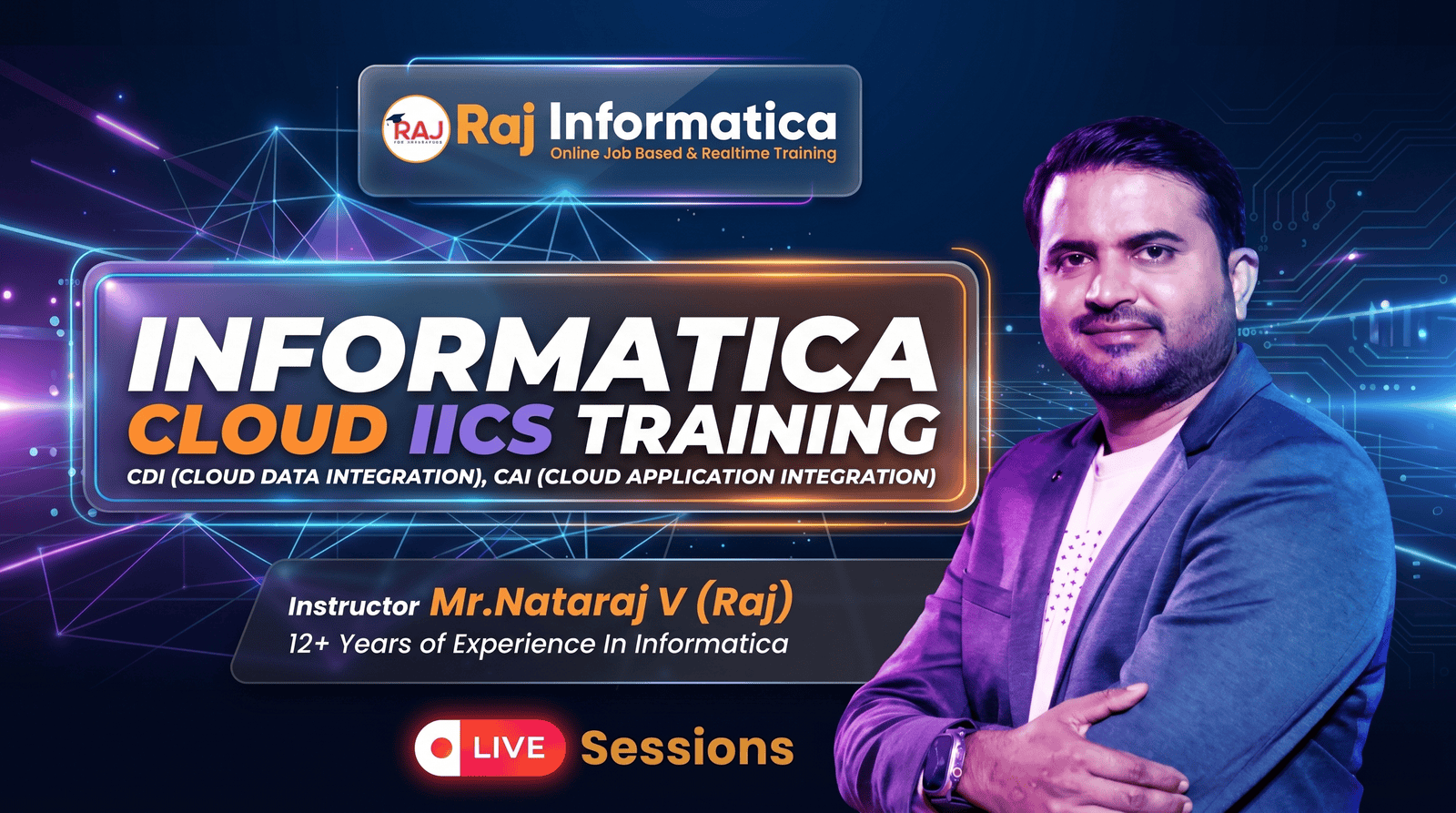
Informatica IICS / IDMC is the cloud-native evolution of PowerCenter — and every enterprise migrating off on-prem ETL needs IICS specialists. Cloud Data Integration Engineers earn ₹8-22 LPA, with the role in active shortage. In two months you'll master the full IDMC platform — Cloud Data Integration (CDI), Cloud Application Integration (CAI), Cloud Mass Ingestion (CMI), Data Quality, and Application Integration. Real CDC scenarios, parameterised pipelines, taskflows, monitoring, and migration patterns from on-prem PowerCenter to cloud.
What you'll learn
- Design and deploy cloud data integration pipelines in IICS / IDMC
- Build mappings with mapplets, parameters, and dynamic execution
- Use Cloud Application Integration for real-time API-driven workflows
- Implement Cloud Mass Ingestion for bulk + CDC patterns
- Connect to 20+ source/target systems — Salesforce, SAP, Snowflake, AWS
- Migrate on-prem PowerCenter mappings to IDMC strategically
- Monitor + tune cloud integration jobs in production
- Crack IICS interviews at consulting firms and product companies
- Land Cloud Data Integration Engineer roles paying ₹8-22 LPA
Technologies Taught
Course Unique Features
- Real IDMC Free Edition access — train on production tooling
- Build 10+ real cloud integration scenarios on day-1
- Cover Cloud Data Integration + Cloud Application Integration deeply
- Daily 90-minute live class + doubt-clearing sessions
- On-prem to cloud migration patterns — what enterprises pay big money for
- Mock interview rounds covering IICS + cloud integration design
- Trained by Informatica-certified cloud consultants with 12+ years experience
- Resume + LinkedIn polish for Cloud Data Integration roles
- Direct intros to consulting firms running large IICS migrations
- Lifetime access to course material + working mapping library
Job Opportunities
Top job positions you can apply for after completing this training.
| Job Role | Experience | Salary Range |
|---|---|---|
| 1. Informatica IICS Developer (Junior) | Fresher to 1+ Years | 5–8 LPA |
| 2. Cloud Data Integration Engineer | 1 to 3+ Years | 8–12 LPA |
| 3. ETL Developer (IICS / Informatica Cloud) | 2 to 4+ Years | 10–15 LPA |
| 4. Application Integration Specialist (CAI) | 2 to 4+ Years | 12–18 LPA |
| 5. Data Migration Specialist (IICS + Cloud) | 3 to 5+ Years | 14–20 LPA |
| 6. Data Integration Consultant | 4 to 6+ Years | 18–28 LPA |
| 7. IICS Admin / Secure Agent Specialist | 4 to 6+ Years | 15–25 LPA |
| 8. API Integration Developer | 5 to 7+ Years | 20–30 LPA |
| 9. Cloud Integration Architect | 7 to 10+ Years | 30–50 LPA |
| 10. BI & Data Engineer | 6 to 9+ Years | 22–35 LPA |
You Can Work As
Upcoming In-Demand Jobs
Course Curriculum
Part 1 — IICS CDI (Cloud Data Integration)
68 topics
Part 1 — IICS CDI (Cloud Data Integration)
- •Difference between Informatica PowerCenter and IICS
- •IICS Architecture
- •IICS Secure Agent Installation
- •IICS Login and Overview
- •Connectors in IICS
- •Connect Oracle DB with IICS
- •Connect Salesforce with IICS
- •Connect Snowflake Cloud with IICS
- •Connect Google Cloud Platform with IICS
- •Connect Amazon Web Services (AWS) with IICS
- •Create a New Project in IICS Dashboard
- •Create a Folder under the Project
- •Create a Mapping in IICS canvas
- •Complete source and target properties in IICS Mapping
- •Working with Mapping Configuration Task
- •Monitoring the IICS Jobs
- •Synchronize the fields
- •Reusable Transformations
- •Source Transformation with Realtime Example and its properties
- •Target Transformation with Realtime Example and its properties
- •Filter Transformation with Realtime Example and its properties
- •Router Transformation with Realtime Example and its properties
- •Working with flat files
- •Expression Transformation with Realtime Example and its properties
- •Aggregator Transformation with Realtime Example and its properties
- •Joiner Transformation with Realtime Example and its properties
- •Union Transformation with Realtime Example and its properties
- •Rank Transformation with Realtime Example and its properties
- •Lookup Transformation with Realtime Example and its properties
- •Dynamic Lookup Cache with Realtime Example and its properties
- •Un-Connected Transformation with Realtime Example and its properties
- •Sequence Generator Transformation with Realtime Example and its properties
- •Transaction Control Transformation with Realtime Example and its properties
- •Normalizer Transformation with Realtime Example and its properties
- •Java Transformation with Realtime Example and its properties
- •SQL Transformation with Realtime Example and its properties
- •Mapping Parameters
- •Parameter Panel, Input and In-Out Parameters in IICS with Realtime example
- •Connection Parameters
- •Using Parameter File Directory and Parameter File Name
- •Invoking parameters from Task flow
- •Flow Run Order in IICS
- •Implementation of Incremental Loading in IICS with Realtime Example
- •Implementation of SCD type-1 and Type-2 in IICS with Realtime Example
- •Implementation of Fact Load in IICS with Realtime Example
- •Different Environments used in real time. (Detailed explanation about DEV / QA / Prod)
- •Expression Macros
- •Horizontal Macros
- •Vertical Macros
- •Hybrid Macros
- •Dynamic Linking
- •User Defined functions
- •Fixed width file Format
- •Saved Query
- •Shared Sequence
- •Mapping Task with all Properties. (Scheduling in IICS)
- •Synchronization Task with Realtime Example (Salesforce to Flat File Data Synchronization Task)
- •Replication Task with a Realtime Example
- •PowerCenter Task with a Realtime Example
- •Linear Task Flows in IICS
- •Task Flows in IICS
- •Assignment
- •Data Task
- •Notification Task
- •Command Task
- •File Watch Task
- •Decision
- •Sub Task
Part 2 — IICS CAI (Cloud Application Integration)
59 topics
Part 2 — IICS CAI (Cloud Application Integration)
- •What is API
- •Why we need API
- •Advantages of API
- •REST API
- •SOAP API
- •POSTMAN tool to call API
- •Setup and Signing-in
- •Create Projects Working
- •Application Integration Console
- •Create a new Process in Processes
- •Properties of the Processes
- •Using Assignment
- •Calling MCT or TASK created in CDI from CAI using Service
- •Using Decision
- •Service Connectors
- •Configure Service Connector using Form. (Action, Input, Binding, Output, Test Results)
- •App Connections
- •Write the data to a flat file/Database
- •Using JDBC Connection
- •Process Schedules – Execution Schedules
- •Service Connectors
- •xQuery
- •Share the DB Data using API
- •Using JDBC Connection
- •Process Schedules – Execution Schedules
- •Implementing Token Base API
- •GET and POST Response
- •Get_Token, serviceUrl
- •GetActivityDetails
- •Expose API to Client
- •Create a Connection using Swagger File
- •Service Connector from WSDL
- •Service Connector from Swagger
- •Service Connector from OpenAPI 3.0
- •Data access Service Connector using Form
- •Create and Configure REST V2 Connector
- •Create Business Service
- •Web Services Transformation
- •Create Manager API
- •IP Filtering
- •Create Custom API
- •API Registry
- •API Groups
- •Policies
- •Analytics
- •API Registry
- •API Groups
- •Home
- •Alerts
- •All Infra Structure
- •Application Integration
- •Data Integration
- •API Groups
- •Structure Parser Transformation with Realtime Example and its properties
- •Read the data from Excel file
- •Data Masking Transformation with Realtime Example and its properties
- •Task Flow In-out Parameter
- •Audit Framework
- •Read Parameter in Taskflow Level
Course Instructed By
A seasoned Business Intelligence Consultant with over 16 years of experience in Data Warehousing, ETL, Cloud Data Integration, and Business Intelligence technologies. He has successfully delivered large-scale projects across multiple domains and trained more than 8,000+ professionals worldwide on Informatica PowerCenter and IICS (CDI + CAI). Known for his practical, real-time teaching approach, Raj has helped countless learners including many with no prior IT background — transform their careers and secure jobs in leading organizations. His focus on hands-on learning, resume building, and interview preparation has made him one of the most sought-after trainers in the field of data integration and cloud technologies.
Approved trainer by Raj Cloud Technologies
Course content
Lifetime access
Watch at your own pace
Certificate included
On 100% completion
Q&A community
Ask anything, get answers
One-time payment. Lifetime access.
Ask anything about this course
Curriculum, fees, schedule, EMI options — drop your question and our admissions team replies within one business day.
- 0 on-demand lessons
- Lifetime access
- Certificate of completion